By Elena Marsh
Convertmax Adds Native SDKs for iOS and Android
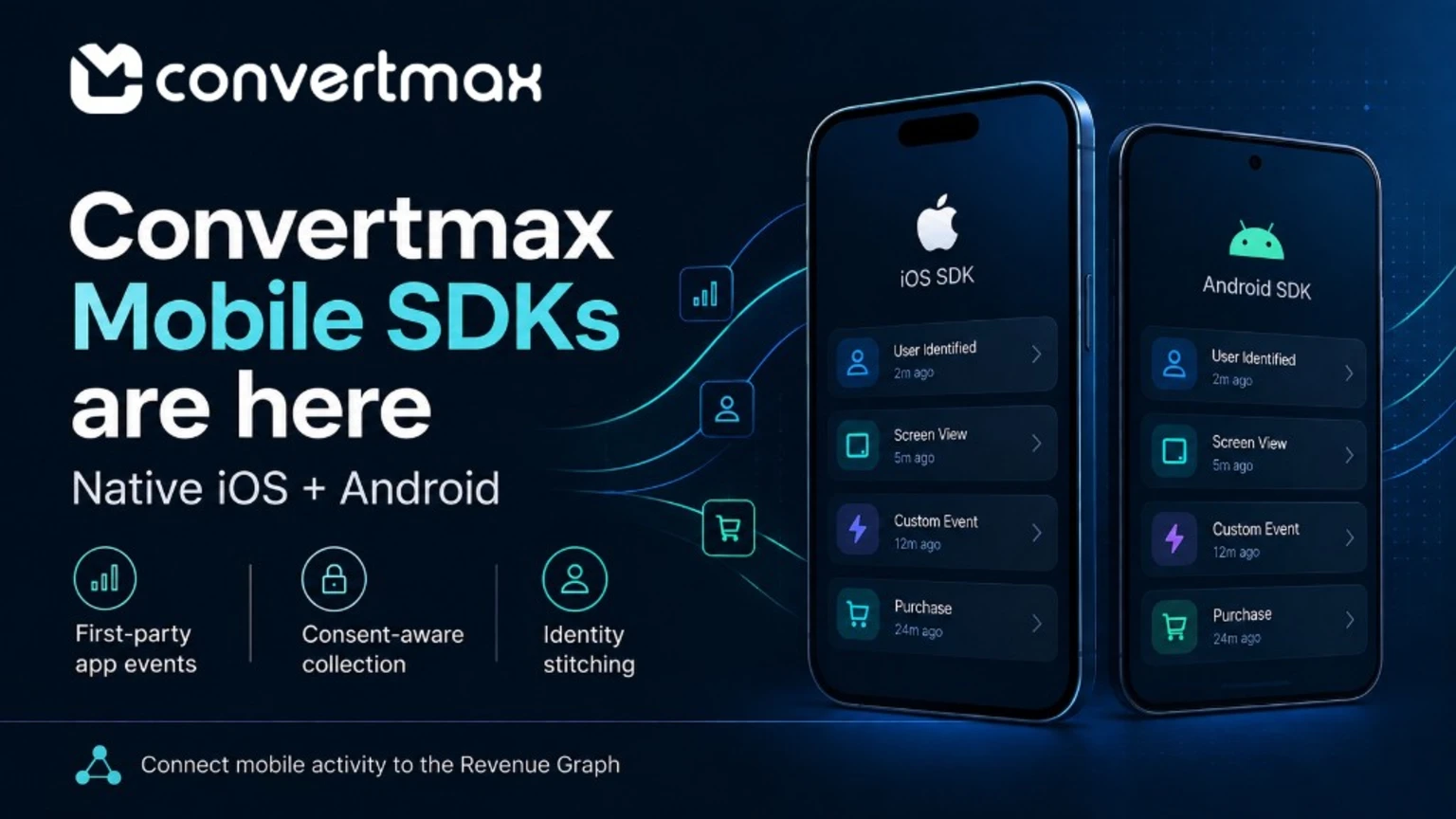
Mobile apps are where a lot of revenue decisions actually get made. Most measurement stacks lose the thread the second a user closes the browser.
The install gets attributed. Fine. A trial start or a first purchase might get logged too. But the activity in between is where things go quiet: the onboarding flow someone abandoned, the search that came back empty, the feature they kept opening right before they finally subscribed. That usually lives inside a third-party tool that never meets the customer record, or the campaign that brought the person in.
So we built for both platforms. The iOS SDK is written in Swift, ships through Swift Package Manager, and exposes an asynchronous actor API. The Android SDK is a native Kotlin library with Gradle integration. Both push first-party event data into Convertmax, which means app activity carries the same identity, session, and attribution context as everything else in your Revenue Graph.
What the SDKs record
Three categories of activity, same on both platforms, with the naming conventions you'd expect on each system.
Custom events. Record what matters to your product: account creation, onboarding completion, searches, feature interactions. Attach custom string properties to give each one some context. Events are named by your team, not pulled from a fixed list.
Screen views. Capture named screen views and additional properties through explicit calls in your app. Navigation becomes a sequence you can actually read, not a pile of anonymous page loads.
Purchases. A purchase helper records a transaction reference with an optional amount and currency. App-side purchase activity lands in the same reporting layer as your web and CRM revenue.
Identity. An identify call ties activity to your application's user ID. Identification emits an event carrying both the anonymous and identified user ID. That's what makes the stitch visible in reporting instead of implied.
Built for the delivery problems mobile actually has
A mobile client isn't a browser session. Connections drop. Users force-quit apps. Uploads get interrupted at the worst possible moment. The SDKs assume this instead of treating it as an edge case.
Pending events sit in local SQLite storage, so they survive app restarts and can be delivered on a later attempt. Events travel in compressed batches of up to 50.
Delivery has several triggers. On iOS you get periodic delivery, background-triggered delivery, and an explicit network flush. Android attempts delivery automatically when the app backgrounds and exposes an explicit network-delivery method too, sending gzip-compressed batches.
Failed or unacknowledged deliveries don't quietly vanish. Events are retained when delivery fails or the server acknowledgement isn't recognized, then retried. iOS applies retry delays and honors server-provided retry timing. Android retries within a configured attempt limit.
And you can inspect all of it. On iOS: queue size, dropped-event counts, delivery results, the latest delivery error. On Android: pending-event and overflow-drop counts, plus the results of network-delivery attempts. When a client claims an event was sent, you can check.
Consent is a gate, not a footnote
Neither SDK collects first. Collection starts only once consent is granted, and the SDKs enforce that in code rather than leaving it to convention.
Withdrawing consent is treated as a genuine state change, not a paused flag. On iOS, withdrawal clears pending events, resets identity, and requests cancellation of an active upload. On Android, it clears the pending queue and resets identity. Consent that only stops future collection leaves data sitting on the device and in flight. That's the gap most teams find the hard way, during an audit.
Identity that survives real usage
App identity is messy by nature. Someone uses your app for weeks before signing in. They sign out on a shared device. They keep two accounts, one for work and one for everything else.
The SDKs preserve anonymous and identified user information across app launches, so a late sign-in can still be reconciled against the activity that came before it. Signing out resets identity. iOS goes a step further and rotates identity when switching between identified accounts, which keeps a shared device from merging two people into one customer record.
Each event on iOS also carries a session ID, with a configurable inactivity timeout that defaults to 30 minutes. A long gap between launches doesn't read as one continuous visit.
Campaign context travels with the event
The SDKs pull the campaign data that mobile links actually carry. Both extract supported UTM parameters and referrer values, iOS from UTM campaign parameters and referrer values attached to events, Android from Android links, and attach them to events.
Platform context rides along too. On iOS: app ID, environment, app version and build, SDK version, operating-system version, locale, and timezone. On Android: app ID, environment, Android version, device model, and SDK name and version. That context is how you tell a regression in your app apart from a change in a campaign.
One model, two platforms
| Capability | iOS SDK | Android SDK |
|---|---|---|
| Language and packaging | Swift, Swift Package Manager | Kotlin Android library, Gradle |
| Minimum platform | iOS 15 or later | Android API level 23 or later |
| Sample app | iOS sample app plus privacy manifest | Jetpack Compose sample app |
| Event API style | Asynchronous actor API | Kotlin library API |
| Identity lifecycle | Persists across launches, resets on logout, rotates when switching accounts | Persists across launches, resets on sign out |
| Session handling | Session ID per event, configurable inactivity timeout (default 30 minutes) | Not specified in this release |
| Batch compression | Compressed batches | gzip-compressed batches |
| Delivery triggers | Periodic, background-triggered, explicit flush | Automatic on background, explicit network delivery |
| Retry behavior | Retry delays, supports server-provided retry timing | Retries within configured attempt limit |
| Diagnostics | Queue size, dropped events, delivery results, latest error | Pending events, overflow drops, delivery results |
| Platform context | App ID, environment, app version/build, SDK version, OS version, locale, timezone | App ID, environment, Android version, device model, SDK name, SDK version |
One shared event model means a journey can start on a phone, continue on the web, and close in your CRM without three teams maintaining three schemas. Identity stitching onto a single customer record is the part that makes it work.
Set up on both platforms
iOS is Swift-native, distributed through Swift Package Manager, and ships with a sample app and a privacy manifest. Android installs as a Kotlin library through Gradle and ships with a Jetpack Compose sample app.
Both come with working sample applications. That's the quickest way to confirm events, identity, and delivery behave the way you expect before anyone touches production code.
What the SDKs do not do
Purchase observations describe activity your app reported. On their own, they aren't a verified record of money changing hands.
Verified payments, refunds, renewals, and subscription status each need a separate server-side billing integration. Apple's server-side billing integration for iOS. Google Play notifications and server APIs for Android. We'd rather say that plainly than let an app-reported purchase pass for a settled transaction. Reporting that quietly overstates revenue is worse than reporting that's simply incomplete.
Where this fits in the Revenue Graph
Mobile isn't a separate measurement problem that needs its own separate tool. App activity belongs in the same graph as your campaigns, calls, CRM records, orders, and closed revenue.
App events arrive with identity, session, and campaign context attached. That means they can be connected to the journey that created them, explained next to the channels and touchpoints that influenced them, and acted on when the numbers show where revenue is leaking. Someone who searched inside your app three times before converting is a different story than someone who converted on the first screen. Only one of those suggests a product fix rather than a spend decision.
Start collecting app activity
Setup details live on Convertmax for iOS and Convertmax for Android. Start with a sample app before you instrument anything real.
Questions about setup, identity stitching, or rolling this out across your stack? Email help@convertmax.io or book time with the team.