By Elena Marsh
When a Marketing Data Pipeline Starts Failing: Build Around Revenue Outcomes
A marketing data pipeline rarely fails with one clear error. It shows up in quieter ways: a dashboard no longer matches the CRM, a useful breakdown vanishes, or last week's campaign report arrives after the meeting where people needed it.
The result is the same. Teams lose confidence in the numbers that guide spend, sales follow-up, and leadership decisions. And when the reporting path is incomplete or late, the problem is bigger than ETL.
Marketing source systems do not stand still. Platforms add and retire fields, modify formats, change authentication requirements, and revise APIs. A small source-side change can knock out a mapping or a downstream report until the connection or schema catches up.
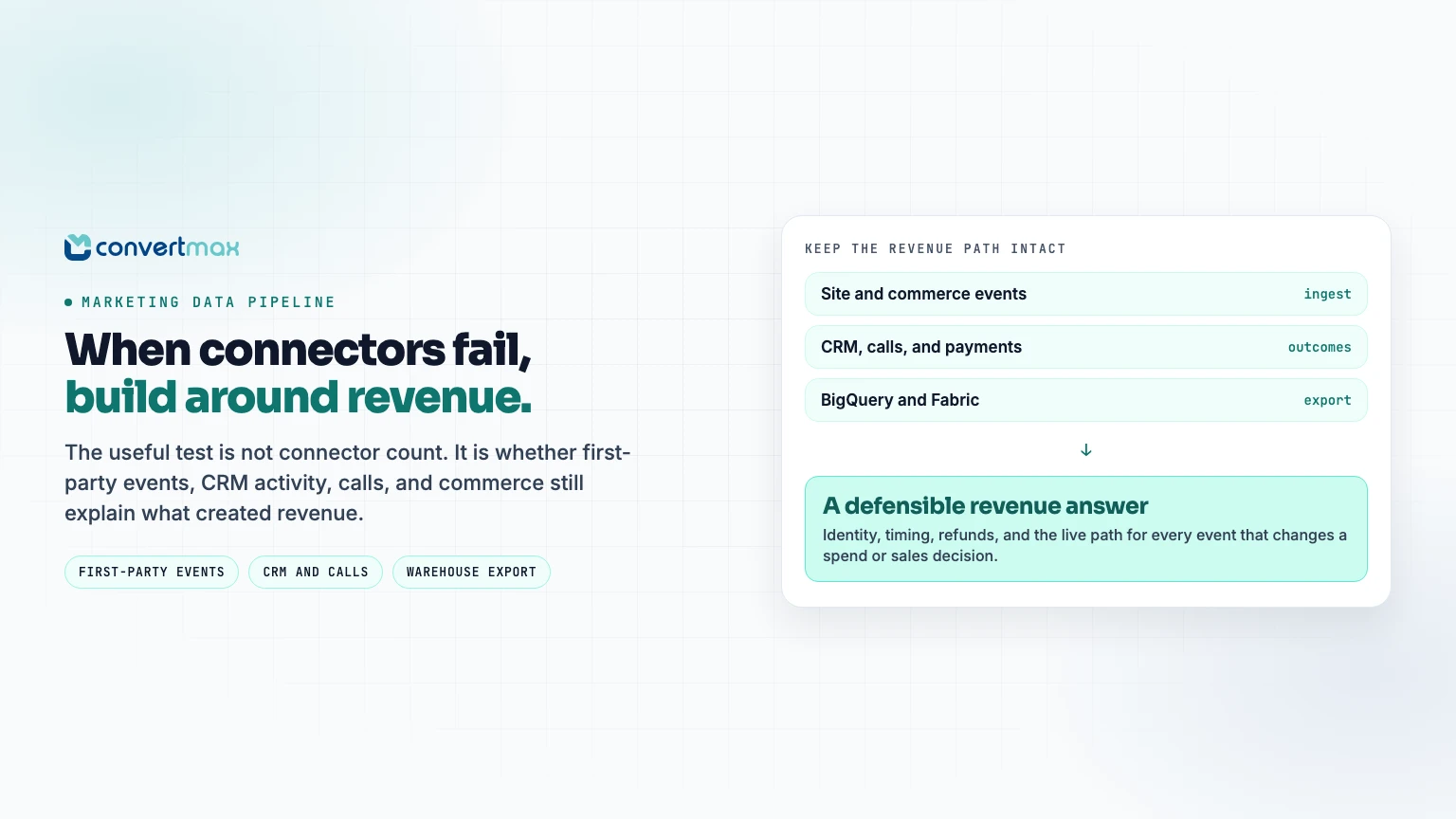
Connector count is a poor proxy for whether a data stack is doing its job. The better question is simpler: which data paths are needed to explain revenue, and who is responsible for each one when a source changes?
Convertmax is a first-party attribution and revenue-intelligence layer that follows the journey from visit to lead, pipeline, and revenue. For a team whose real problem is not merely exporting campaign metrics but connecting marketing work to commercial outcomes, that is a useful distinction.
A practical pipeline test: Write down every event and outcome that changes a decision: qualified lead, booked call, sales conversation, opportunity, purchase, refund, invoice, subscription, and closed-won revenue. Then verify the live path for every item before treating a dashboard as the source of truth.
The Convertmax pipelines available today
Convertmax distinguishes live connectors from integrations in development in its integrations catalog. That separation should be the starting point for a sound implementation plan.
1. First-party web and commerce data
For teams that need to tie storefront behavior to revenue, Convertmax supports WordPress and WooCommerce, Magento and Adobe Commerce, Vendure, and BigCommerce. It brings site and storefront activity together with conversion and commerce records. The Magento and Adobe Commerce connection is designed to capture sessions, orders, refunds, customers, and store views, while sending durable conversion signals to GA4, Meta CAPI, and Google Ads.
This matters when paid-media reports have drifted away from what happened after the click. A useful revenue pipeline keeps visits, forms, purchases, refunds, and customer identity in the same story. Counting a platform-reported conversion has value. Knowing which journey produced net revenue has more.
2. Events from a CDP or existing tracking stack
Teams using Twilio Segment, RudderStack, PostHog, an ETL process, or an internal event producer can send Segment-compatible events to Convertmax through authenticated inbound webhooks. It supports standard track, identify, page, screen, group, and batch calls. The existing instrumentation can remain in place while Convertmax normalizes events for attribution and reporting. See the Twilio Segment integration.
That setup works well for product-led and B2B companies. Product events, form activity, account traits, and revenue events can keep flowing from the collection layer the team already uses. Convertmax adds identity and revenue context on the other end. There is no need to create a second tracking plan just to answer attribution questions.
3. CRM and revenue outcomes
For many sales-led businesses, a pipeline that ends at a form fill is only half a pipeline. Convertmax currently connects with Close, HubSpot, HighLevel, Stripe, and Mautic for CRM and revenue use cases.
The Close integration is a good example of the intended flow. It brings in lead updates, calls, messages, emails, and opportunity changes. It can connect CRM records with web visitors and form submissions through email, phone, and identifiers such as close_contact_id. Won opportunities then appear as revenue outcomes.
The point is not just to count an anonymous conversion. It is to see the sales activity and pipeline result that followed it.
HubSpot supports attribution around quotes, invoices, payments, subscriptions, and closed-won deals. HighLevel supplies contacts and paid invoices. Stripe connects subscription and payment data to revenue reporting. Those paths allow a team to report against the customer journey rather than a loose collection of channel metrics.
4. Calls, forms, and operational signals
Some businesses close customers on the phone, not on a thank-you page. Convertmax accepts webhooks from CallRail and CallTrackingMetrics, allowing call events to be connected with campaign, keyword, and landing-page context. Phone interactions stay part of the attribution record instead of living in a separate report.
Other production connections include Tally, Make.com, Optimontra, SuggestAPI, Google Search Console, Slack, and Mautic. Make.com can send leads and forms into Convertmax, then send scores or conversions back to its own scenarios. Google Search Console adds organic query and page visibility beside converting landing pages. Slack is not an ingestion source, but it makes the connected revenue data available through the Ask Max workflow.
5. Warehouse exports
Convertmax is not a substitute for a warehouse. It can work alongside one. BigQuery and Microsoft Fabric exports send event, contact, and revenue data to downstream warehouse and BI workflows.
That matters during a reporting change. Replacing a fragile flow should not create a new data silo. Marketing and revenue teams can use the attribution layer day to day, while the warehouse remains available for modeling, finance, and wider analysis.
How to assess the health of a revenue pipeline
Do not wait for a dashboard discrepancy to uncover a missing connection. A useful review begins with a single customer journey and a clear definition of success.
| Assessment area | What to verify | Convertmax path to assess |
|---|---|---|
| Business outcome | Which revenue event makes a campaign worth funding? | CRM opportunities, Stripe payments, orders, invoices, subscriptions, or paid invoices |
| Identity | How will an anonymous visit connect to a lead, account, caller, or buyer? | First-party web activity plus email, phone, CRM IDs, and Segment-style identify events |
| Event ingestion | Can existing product and marketing events arrive without rebuilding instrumentation? | Segment-compatible authenticated webhooks from Segment, RudderStack, PostHog, ETL processes, or internal services |
| Sales activity | Can calls, messages, emails, and opportunity movement be seen beside marketing touchpoints? | Close and HubSpot CRM activity, HighLevel contacts and paid invoices, CallRail, and CallTrackingMetrics |
| Downstream reporting | Can the organization still get data into its warehouse and BI tools? | BigQuery and Microsoft Fabric exports |
| Connector status | Is the connection live today or listed as planned? | Confirm against the current Convertmax integrations catalog before committing |
Use the audit before a new rollout or a major reporting change. Take one journey, perhaps paid search to form to CRM opportunity to won revenue, and validate the sequence end to end. Check event counts, identity match rates, timing, refunds or cancellations where relevant, and the fields that drive decisions. A short parallel validation run is far less painful than discovering a missing link after a report has become business-critical.
What Convertmax does, and does not, replace
Convertmax is not presented as a universal catalog for every marketing-data destination. A team that needs broad extraction from dozens of ad platforms or spreadsheet-oriented reporting may still use a dedicated connector product or its warehouse process.
It is a stronger fit when the decision depends on first-party behavior and commercial outcomes: which content created demand, which campaign influenced a sales conversation, which call became an opportunity, or which source produced revenue after refunds and cancellations.
That distinction should be made before a data project starts. The right configuration depends on the customer journey that the business needs to understand.
Build around the outcome, not the connector count
Repeated connection failures and missing fields are reasons to examine a pipeline before confidence in reporting erodes. But the answer is not to move every data flow at once. Begin with the customer journey that is hardest to explain today.
If that journey spans site activity, forms, calls, CRM work, commerce, and revenue, Convertmax has live paths for each of those pieces and exports to BigQuery and Microsoft Fabric. Review the current Convertmax integrations catalog, map the journey as it works now, and validate the path before it becomes the basis for executive reporting.
A dashboard that refreshes is not the standard. A pipeline earns trust when it can give a defensible answer to one question: what actually created revenue?