By Elena Marsh
Lead Source Tracking: Why Lead Volume Is Not a Revenue Strategy
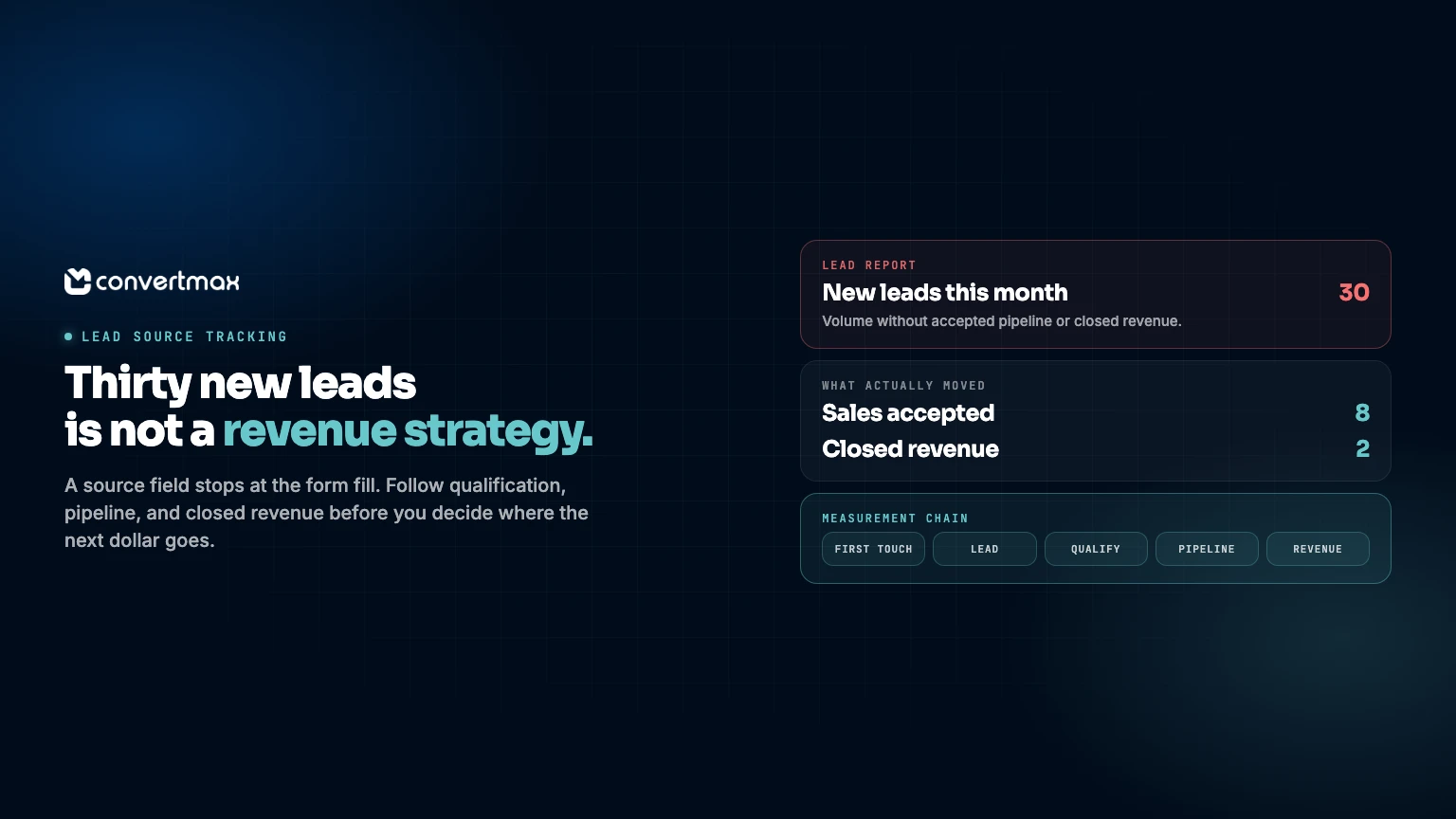
Thirty new leads can sound like a good month. It may not be. If none becomes a real opportunity, the number tells you very little about where the next marketing dollar belongs.
Marketing sees form fills. Sales sees meetings and opportunities. Finance sees money received. Each team has part of the story, yet nobody can say with confidence which source brought in customers worth keeping.
That is why lead source tracking needs more than a dropdown field and a monthly spreadsheet. It needs to follow a buying journey through qualification, pipeline, and closed revenue, then bring that record back to the budget conversation.
Why a source field stops telling the truth
A source field is useful. It can show that a lead came from a Google Ads form, an organic visit, a referral, or a call. It cannot explain what happened after that. CRM source properties and automations record a state. They do not keep the history.
Picture a familiar path. Someone clicks a paid ad on a laptop, leaves, returns through branded search on their phone, reads a few pages, then calls after a salesperson follows up. A deal is created in the CRM and closes weeks later. Which source gets the credit? The first click? The last page viewed? The call? The salesperson who turned a vague inquiry into an opportunity?
One field flattens that sequence into a single label. It may be overwritten by a later action, copied inconsistently, or never added to the CRM record. Its answer is incomplete.
Lead source tracking also breaks down when identifiers do not travel with the person. A form can carry campaign details, while a call may not. A returning visitor may use a different device or email. When those records split apart, marketing and sales reports are talking about different people. First-party analytics and visitor identification are how the early session stays attached to the later CRM record.
Ask the questions that affect the budget
Start with the decision, not the dashboard. A practical review should answer questions such as:
- Which sources create leads that sales accepts?
- Which sources move into legitimate pipeline?
- Which campaigns lead to closed revenue, rather than only booked meetings?
- Which sources produce customers who return, expand, or stay longer?
- Where are leads getting lost between inquiry and follow-up?
Those questions shift the discussion from volume to revenue quality. A source that creates fewer inquiries but more qualified opportunities may be worth more than a channel that fills the inbox with poor-fit leads. A reasonable cost per lead can still be poor economics if little of that volume reaches pipeline. For the spend-side of that review, see how to track marketing ROI.
Lead metrics are early signals. Treat them as the start of the measurement chain, not the finish line.
Build a measurement chain that survives a real journey
A workable design connects five stages: first identifiable interaction, lead creation, qualification, pipeline, and customer revenue. Define each before building reports. That chain is what a Revenue Graph is for: people, touchpoints, and revenue events stay connected so you can ask better questions later.
| Stage | What to capture | Why it matters |
|---|---|---|
| First interaction | Available channel, campaign, landing page, and click details | Preserves the origin of demand before a lead exists. |
| Lead creation | Form, chat, call, or contact event plus a person or account identifier | Establishes the record sales works. |
| Qualification | Sales-accepted status, fit, and disposition | Separates raw interest from leads worth pursuing. |
| Pipeline | Opportunity, amount, stage, and owner | Shows which sources create work with commercial value. |
| Closed revenue | Closed outcome, revenue, and customer identifier | Connects spend decisions to business results. |
Keep definitions plain. Qualified might mean sales accepted the lead, or it might require a stated discovery threshold. Revenue might mean closed-won value, paid invoices, or another agreed milestone. Use the definition that reflects how the business operates, write it down, and do not change it halfway through a comparison.
Use consistent campaign names. Require dispositions for meaningful sales outcomes. Give call leads a route into the same CRM process as form leads. Preserve original source data when a lead has later touches. Review the handoff from time to time. If sales must re-key information or choose vague values, the reporting will drift.
Use first touch and multi-touch for different jobs
First-touch reporting answers a fair question: what brought this person to you initially? It is useful for understanding demand creation and the channels that introduce the business to new prospects.
It is not the only useful question. Buying decisions may involve repeat visits, email follow-up, retargeting, a sales call, and direct navigation. Multi-touch attribution provides a fuller record of the interactions connected to a customer journey, which lets a team look beyond the final event before a record is created or a deal closes. Moving beyond last-click is the same idea: the conversion event is rarely the whole story.
Neither view is a verdict on its own. First touch can understate the work that moved a buyer forward. Last touch can give too much credit to the point of conversion. A multi-touch view can show the sequence, but it still depends on clean records and sensible definitions. For models and how to use them in budget decisions, see how to measure marketing attribution.
Use the view that fits the decision. For a demand-generation campaign, look at first-touch influence and the revenue that follows. For a conversion program, look at touches closer to lead creation and pipeline movement. Ask where a channel sits in the journey before deciding what its numbers mean.
Review source performance through a revenue-quality lens
A monthly review can stay compact. Put sources or campaigns in rows, then compare leads, accepted leads, opportunities, closed revenue, and customer value where it is available. Look for mismatches worth investigating. Customer analytics is the place to ask which sources create buyers who stay and expand, not only who filled out a form.
High lead volume with low sales acceptance can point to a targeting, message, or intake issue. Strong accepted-lead volume with weak pipeline movement can point to qualification criteria, response timing, or a sales handoff that needs attention. Revenue concentrated in a small group of sources may show where a deeper campaign review is warranted.
Treat these patterns as prompts, not automatic instructions. Numbers show you where to look. Your team still needs to decide what to change using the context that does not fit neatly in a report.
When connected lead source tracking is worth it
Spreadsheets and basic CRM reports are a sensible place to start. Strain appears when marketing, website activity, calls, CRM data, customer records, and sales outcomes sit in separate places. Manual matching gets slow, fragile, and easy to abandon when the team is busy.
Convertmax is a done-for-you Revenue Intelligence platform built for this problem. It connects marketing, website leads, calls, CRM, customers, and sales so businesses can see exactly what produces revenue. Put simply: know what is making you money.
Convertmax connects first-party journeys from first click to closed revenue without replacing the existing stack. It can work with Google Ads, HubSpot, HighLevel, call platforms, commerce, billing, analytics, and CRM systems. It brings together first-party tracking, identity resolution, customer journey reporting, multi-touch attribution, campaign ROI, CRM intelligence, call tracking, and customer lifetime value reporting.
When many of those leads arrive by phone, pair this with call tracking attribution.
If lead reports stop at the form fill, you are measuring activity rather than the business result. Book a Convertmax demo or get a free revenue and attribution audit to see where the measurement chain breaks.