By Jonah Hale
Looking for a Dreamdata Alternative for GA4 and Salesforce Attribution? Start Here
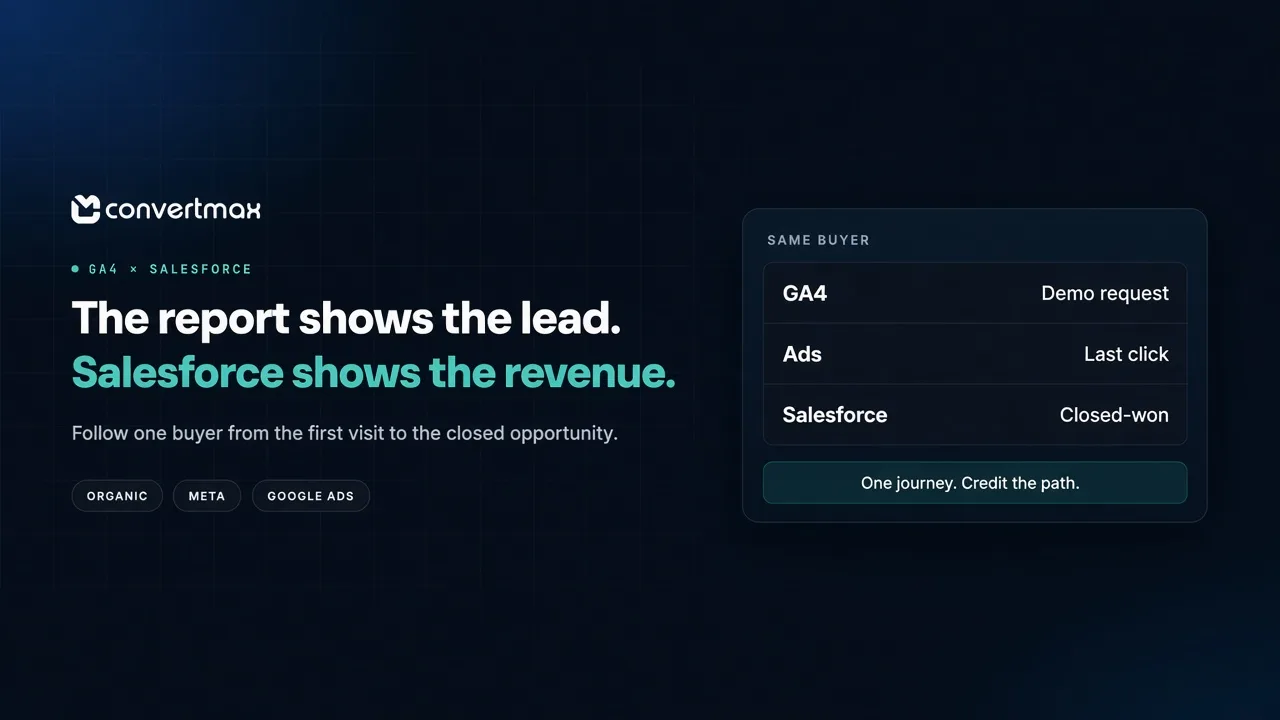
Your marketing reports say the campaigns are working. Google Ads is generating conversions, Meta is bringing in leads, and organic search is sending people to your site.
But once someone requests a demo and enters Salesforce, the picture gets harder to follow. Which leads became opportunities? Which opportunities closed? And which marketing activities helped create that revenue?
Dreamdata is one way to answer those questions, particularly if you need account-based B2B attribution. If you're comparing alternatives, you may be looking for a more transparent buying process or a different way to connect marketing activity to revenue. We put the public comparison on Convertmax vs Dreamdata.
Here's how to evaluate the options, and where we can be a compelling alternative for the right setup.
The real problem isn't a lack of dashboards
GA4 is useful for understanding website traffic and what people do on your site. Salesforce is where your team manages leads, opportunities, and sales outcomes. Both are valuable, but a demo request in one system doesn't automatically tell the whole story of what happened in the other.
Consider a typical B2B journey. A buyer finds an article through organic search, returns after seeing a Meta ad, and later clicks a Google ad before requesting a demo. A sales rep creates an opportunity, works the deal, and eventually marks it closed-won.
That's one customer journey, but different reports may emphasize different parts of it. GA4 might show the website activity. Ad platforms may report conversions using their own rules. Salesforce shows the lead and opportunity. Without a reliable connection between the records, the team can end up discussing lead volume when it really wants to understand pipeline and revenue.
The goal isn't to replace GA4. It's to make the handoff from marketing activity to sales outcomes easier to understand.
What a useful attribution setup should connect
Before comparing feature lists, agree on the questions you want to answer. For most teams in this situation, they're fairly practical:
- Which sources and campaigns produce demo requests?
- Which of those leads become qualified opportunities?
- Which opportunities become customers, and how much revenue is associated with them?
- Which earlier touchpoints influenced the journey, even if they weren't the final click?
To answer them, you need consistent campaign data, a way to associate observed website activity with a lead where possible, and a reliable link from that lead to the relevant opportunity and outcome. For paid campaigns, consistent UTM naming helps prevent the same campaign from appearing under several different names.
You also need to agree on what you're counting. A lead, an opportunity, a closed-won deal, and a paid invoice are not the same thing. Comparing them can show where a channel is strong or weak, but combining them into one "conversion" number won't tell you much about revenue.
No attribution tool can recover every interaction. Some visits won't be observed or matched because of consent choices, tracking restrictions, device changes, or incomplete data. And an attribution model distributes credit among recorded touchpoints; it doesn't prove that any one touch caused the sale.
Where we can be a strong alternative
We are a first-party revenue intelligence layer. Rather than asking you to judge marketing on form fills alone, we connect recorded visits and campaigns with supported CRM, call, and revenue data. We can sit alongside GA4 rather than asking you to give it up.
That approach can be useful for a few reasons.
You can look beyond the last touch
If an organic article starts a journey, a Meta ad brings someone back, and a Google ad precedes the demo, giving all the credit to the final interaction tells only part of the story.
Our multi-touch attribution models assign credit across recorded journeys, including first-touch, last-touch, and linear models. Comparing models helps a team see how its view of performance changes with the assumptions it chooses. Confirm which models and identity features are included in the plan you're considering.
This isn't unique to us. Dreamdata also offers attribution modeling. The useful question is whether the available models, data coverage, and reporting answer your team's questions at a cost you're comfortable with.
You can include calls in the journey
A demo form isn't the only way a prospect becomes a lead. Some people call after finding a landing page or ad, and those conversations can disappear from a report that only counts form submissions.
We document webhook integrations with CallRail and CallTrackingMetrics on our integrations page. They connect call events with source information such as campaigns, keywords, and landing pages, and with identity and revenue reporting where the relevant data is connected. That's call-source attribution, not a promise of call recording analysis or sales coaching.
If calls matter to your business, ask each vendor to show how a real call would make its way into an opportunity and revenue report. Don't assume either product's feature list answers that question on its own.
You may already use a supported CRM
We currently list integrations for HubSpot, HighLevel, Close, Pipedrive, and Salesforce, among other systems. The revenue objects differ by connection, so check the exact fields and outcomes you need rather than relying on a CRM logo alone.
For example, we document HubSpot closed-won deal attribution. Our HighLevel integration attributes paid invoices as revenue, and it also syncs opportunity creates, pipeline-stage changes, and opportunity won or lost events as platform events. Those differences still matter: invoice cash and pipeline movement are not the same outcome.
Questions to ask before choosing
Whether you're evaluating us, Dreamdata, or another platform, bring one real journey to the conversation: a campaign, a lead, the Salesforce opportunity, and its eventual outcome. Ask the vendor to show how that journey would be captured and reported.
Then check the details that can change the decision: which Salesforce objects and fields are supported; whether data is native, imported, or custom-connected; how identities are matched; which attribution models are available on the quoted plan; how much historical data you can use; and what implementation and ongoing costs will be.
Also review consent and data-handling requirements with your team. Google prohibits sending personally identifiable information to Analytics outside its permitted mechanisms, so don't put email addresses into GA4 event fields or URLs as a shortcut for connecting records.
The bottom line
If you're comparing Dreamdata with the broader market, we offer first-party attribution, documented call-source connections, and CRM integrations that connect marketing activity to pipeline and revenue. Those strengths may make us a good fit depending on your stack and the outcomes you need to measure.
Book a demo and bring your CRM, GA4 setup, ad channels, and reporting requirements. We can walk through one real journey and show how it would be captured and reported.