By Elena Marsh
Google Ads Revenue Tracking: Don’t Optimize for Conversions That Never Pay
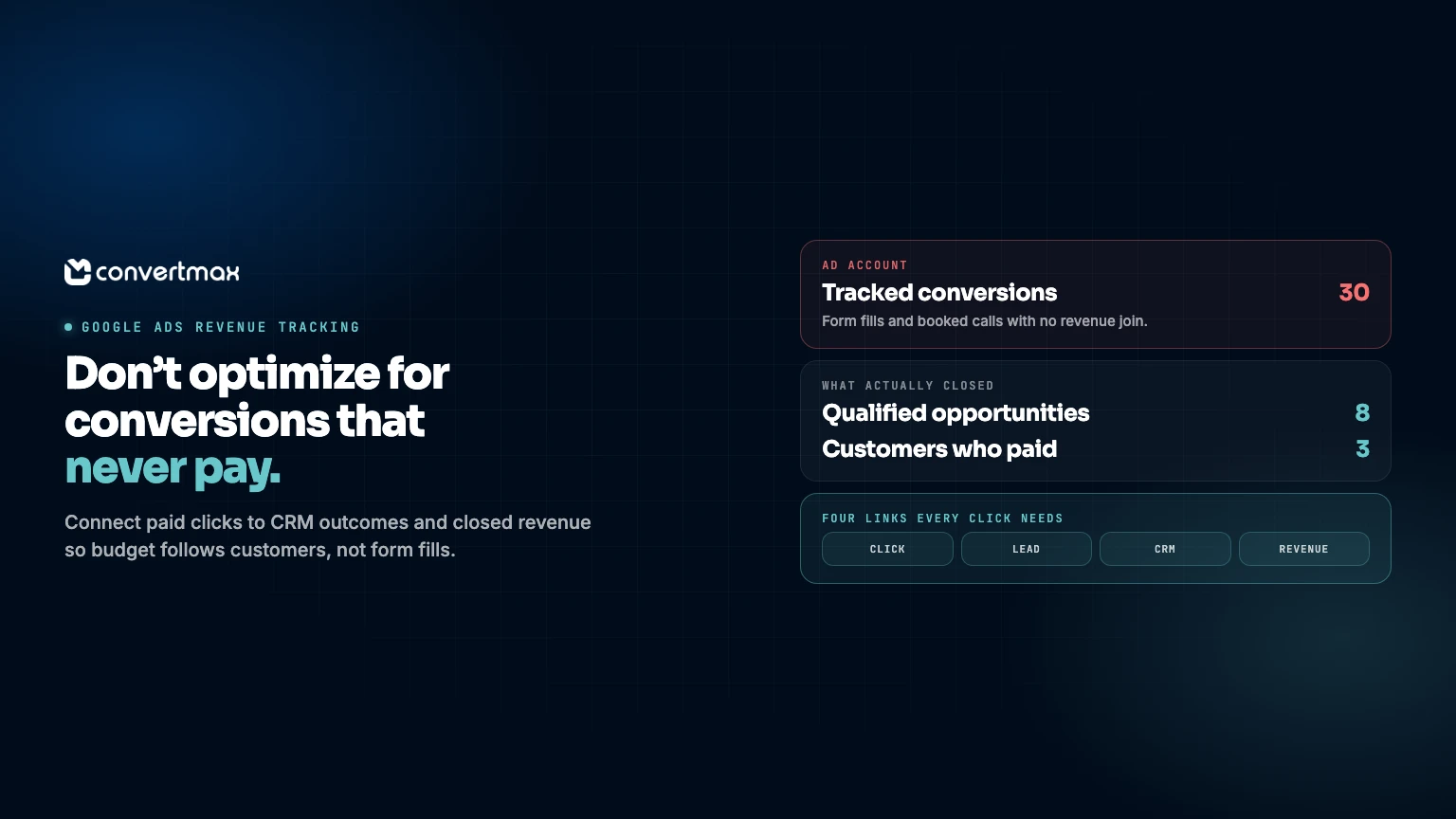
A Google Ads account can show plenty of conversions while the sales team is still chasing poor-fit leads, no-shows, and inquiries that go nowhere. That gap costs money. It can lead a team to put more budget behind campaigns that create visible activity rather than the ones making money.
For businesses that sell through forms, calls, demos, quotes, or follow-up, a conversion is usually an early signal. A form submission says someone raised a hand. A booked call says a conversation might begin. Neither proves the lead was qualified, became a customer, or produced revenue.
Google Ads revenue tracking connects the click that brought a prospect in to what happened later in the CRM and sales process. That gives you a way to judge campaigns by the quality and revenue they create, not just by a lead count that is convenient to report.
A conversion is an event, not a business result
Google Ads works with the signals it receives. If a form completion, call, or appointment request is marked as a conversion, the platform can report that action. Trouble starts when the action is treated as the finish line.
Consider two search campaigns. Campaign A produces 30 form fills at a low cost. Campaign B produces 15 and costs more per lead. If Campaign B creates qualified leads and customers while Campaign A brings in mostly price shoppers who never respond, Campaign A's apparent efficiency is misleading.
This comes up in services, B2B, high-consideration purchases, and any business where a person must follow up before revenue changes hands. The original ad click has meaning only in the context of the full journey. A lead count strips that context away.
Top-of-funnel conversions still matter. They help you monitor demand and spot changes quickly. They should not be the only scorecard used for budget decisions.
Where Google Ads reporting loses the thread
The break often happens after the first action. The ad account records clicks and tracked conversion events. Meanwhile, the CRM holds qualification notes, pipeline stages, closed deals, and customer data. Calls may sit in a separate call platform. Without a shared view, the journey is split across disconnected reports.
| Journey stage | What the ad account may show | What you still need to know |
|---|---|---|
| Paid click | Keyword, campaign, cost | Did the visitor identify themselves later? |
| Form fill or call | A conversion occurred | Was it a real prospect or a duplicate? |
| Sales follow-up | Often invisible | Was the lead contacted and qualified? |
| Opportunity or quote | Often invisible | Which campaign produced it? |
| Closed customer | Often invisible | What revenue and customer value followed? |
A monthly lead report can look fine while revenue is soft because the report ends too early. The opposite mistake can happen as well: a campaign is paused even though its leads simply take longer to become valuable customers.
The goal is not perfect attribution for every journey. Buying paths are messy. Keep enough of the path to answer a basic operating question: which ads are bringing in people who become customers?
Build a practical revenue feedback loop
A useful feedback loop begins when a person first reaches the site and continues until the business records a sales outcome. Systems differ, but the logic is straightforward.
- Capture the source at the first visit. Retain the Google Ads campaign, ad, keyword where available, and relevant click identifiers with the web lead or call.
- Connect the lead to the CRM record. The contact created from a form, demo request, or tracked call needs a traceable relationship to the original source.
- Use sales stages that mean something. Define practical outcomes such as qualified, opportunity, quoted, won, and lost. Avoid a vague stage that means something different to everyone.
- Bring closed outcomes into reporting. Connect closed revenue, and later customer value where relevant, to the campaign and journey that originated the lead.
- Review the chain regularly. Compare spend, leads, qualified leads, opportunities, won customers, and revenue. Watch the time it takes for a lead to move through pipeline.
Run a basic measurement check before changing spend
Before acting on a campaign report, make sure the data path holds together. Small breaks can make a healthy campaign look weak or hide waste behind a high conversion count.
- Confirm that forms, calls, demo requests, and quote requests are marked as distinct lead types.
- Check that CRM records retain original paid-source details instead of overwriting them on later visits.
- Review whether sales stages are updated consistently and whether closed revenue is recorded.
- Sample recent leads from several campaigns and follow them from click or call through to CRM outcome.
- Separate new prospects from existing customers, spam, and duplicates where your process allows.
- Compare reporting dates carefully. A lead generated this month may not close until next month or later.
Google Ads is immediate. Sales-assisted revenue often is not. A short reporting window can reward fast, low-value leads and understate slower ones.
Make Google Ads a revenue conversation, not a lead-count contest
When marketing, sales, and CRM data sit in separate places, somebody usually ends up exporting spreadsheets and matching records by hand. It takes time, introduces gaps, and rarely becomes a dependable weekly routine.
Convertmax is a done-for-you Revenue Intelligence platform for businesses that need a connected view without replacing the stack they already use. It connects marketing, website leads, calls, CRM, customers, and sales so businesses can see exactly what produces revenue. Convertmax connects first-party journeys from first click to closed revenue and combines attribution, CRM intelligence, call tracking, customer journey reporting, first-party tracking, identity resolution, multi-touch attribution, campaign ROI, and customer lifetime value reporting. It can work with stacks that include Google Ads, HubSpot, GoHighLevel, call platforms, commerce, billing, analytics, and CRM systems.
If paid search demand often shows up as inbound calls, see call revenue tracking.
If your Google Ads decisions hinge on form fills or call totals, ask what happens after those events. Book a Convertmax demo or get a free revenue and attribution audit and start with the budget question that matters: what is making you money?