By Cole Brennan
How to Use Convertmax to Stop Optimizing Google Ads for Bad Leads
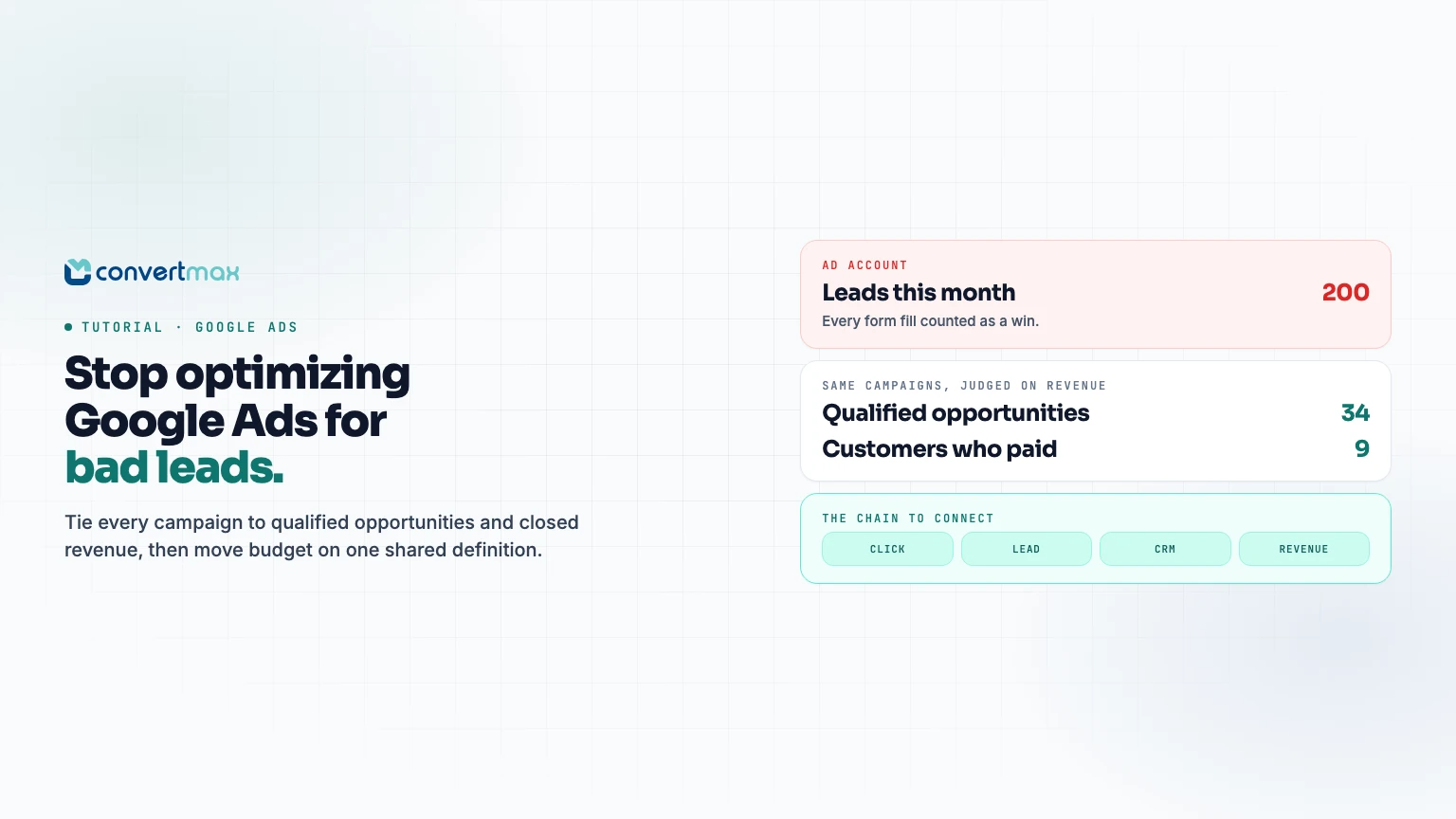
You are getting 200 Google Ads leads a month. Sales says most are not worth calling. The ad account says the campaigns are working.
Both can be true. Google Ads is reporting the event you told it to count, usually a form fill or a call. Sales is judging the people behind those events. Nobody is wrong. They are just measuring different finish lines, and the budget keeps following the one that is easiest to count.
This is the first tutorial in our How to Use Convertmax for [Outcome] series. Each one starts with a decision a team cannot make today and walks through what to connect, what to check, and what to do every week once it is connected. This one covers the most common version: paid search that produces plenty of leads and not enough customers.
The decision that is stuck
Before touching any settings, write down the decision you are trying to make. For most teams in this spot, it is one of three:
- Cut or keep: Should we pause the campaigns sales complains about?
- Shift: Should budget move from cheap-lead campaigns to campaigns with a higher cost per lead but better customers?
- Fix handling: Is the problem the traffic, or what happens to the lead after it arrives?
Each of those needs the same evidence: for every campaign, how many leads became qualified opportunities, how many became customers, and how much revenue followed. Without it, the team is arguing about opinions.
Pick one revenue definition first
"Revenue" means different things in different systems. Pipeline value, booked revenue, collected cash, gross order value, and net revenue are not interchangeable, and mixing them in one report is a quick way to lose the room.
For this tutorial, pick the one your business trusts most and write it down:
| If you sell through... | A sensible revenue event | Where it usually lives |
|---|---|---|
| A sales team and deals | Closed-won deal amount | HubSpot, Pipedrive, Close |
| Invoices after a job or service | Paid invoice | HighLevel, Jobber, QuickBooks, Stripe |
| Online checkout | Completed order, net of refunds where possible | Shopify, BigCommerce, Magento, Stripe |
Keep a second, earlier milestone as well, usually "qualified" or "opportunity created." Revenue can take weeks or months to arrive. The earlier milestone gives you a directional read while you wait.
Connect the minimum data path
You do not need every system connected to answer this question. You need five links in one unbroken chain.
- The click. The Convertmax pixel on your site captures the landing page, UTM parameters, and Google Ads click identifiers on the first visit, before the visitor has told you who they are.
- The lead. When the visitor submits a form or books a call, that event is tied to the same first-party journey. If phone leads matter, connect CallRail or CallTrackingMetrics so calls join the journey too.
- The identity key. The lead needs a durable key that also exists in your CRM, usually email or the CRM contact ID. This is what lets a closed deal three months later find its way back to the original click.
- The CRM outcome. Connect the system where qualification and closed revenue are recorded, for example HubSpot, Pipedrive, Close, or HighLevel.
- The revenue event. The event you picked above, recorded once per deal, invoice, or order, so it can be attributed back across the journey.
If you want the architecture behind this, the Revenue Graph methodology explains how sessions, people, calls, opportunities, and revenue sit in one connected model. You do not need it to follow this tutorial.
Walk through the campaign comparison
Once the chain is connected, build one table per review period. The columns matter more than the tool you build it in:
| Campaign | Spend | Leads | Qualified | Customers | Revenue | Revenue per $1 |
|---|---|---|---|---|---|---|
| Brand search | ||||||
| Non-brand: service terms | ||||||
| Non-brand: price terms | ||||||
| Performance Max |
Fill it in from Convertmax using the same revenue definition for every row. Then read it top to bottom with three questions:
- Where does the drop happen? A campaign with many leads and few qualified ones has a traffic or intent problem. A campaign with many qualified leads and few customers may have a follow-up or offer problem.
- What does the cheap campaign really cost? Divide spend by customers, not by leads. The order often flips.
- Is the window long enough? If your typical sales cycle is 45 days, last week's leads have not had time to close. Judge them on the earlier milestone and revisit later.
Convertmax lets you look at the same journeys through first-touch, last-touch, and multi-touch models. For a budget decision on search campaigns, start with the model your team already uses, then check whether the conclusion changes under one other model. If it does, the campaign is playing a supporting role, and cutting it needs more care.
You can also ask Max directly, for example, "Which Google Ads campaigns produced leads in the last 90 days that never reached qualified?" It answers from the same connected data, which saves building a report for one-off questions.
Validate before you move a dollar
The fastest way to lose trust in attribution is to move budget on a report that turns out to be broken. Run these checks first. They take an hour, not a week.
- Trace five closed customers backwards. Pick five recent customers from Google Ads and follow each from revenue event to CRM record to lead to first click. If any break, find out why before trusting totals.
- Trace five bad leads forwards. Pick five leads sales rejected and confirm they show up as unqualified, not as missing.
- Check for duplicates. One person who fills two forms and calls once should be one person with three touches, not three leads.
- Check unmatched revenue. Look at how much closed revenue has no originating source. If it is large, fix identity matching before cutting any channel. A big "Direct" bucket is usually a data gap, not a channel.
- Confirm the CRM stage is honest. If reps skip the qualified stage or close deals without amounts, the report will undercount. Agree on the rule with sales before the first review.
Make it a weekly habit
A one-time analysis helps once. A short weekly review changes how the account is run. Keep it to 20 minutes and the same agenda each time:
- Update the campaign table for the trailing 90 days.
- Flag any campaign whose cost per qualified lead or cost per customer moved more than you consider normal.
- For each flag, decide one action: hold, shift budget, fix targeting or negatives, or fix lead handling.
- Write the decision down with the date and the reason.
That decision log matters more than it looks. In three months it tells you which calls worked, and it stops the same debate from restarting every week.
Once you trust the signal, you can start feeding it back into the ad platform so bidding learns from qualified outcomes instead of raw form fills. That is a separate tutorial with its own checks, because automating a broken signal only makes the problem faster.
What changes once this is running
You will not get campaigns that agree perfectly with the ad account. They never will, and that is fine. What you get is one revenue definition the whole team uses to decide where the next dollar goes, plus a record of why.
Teams usually find some mix of three things: a campaign that looked efficient but rarely produces customers, a campaign that looked expensive but produces the best ones, and a handoff gap where good leads were not followed up quickly. Which of the three you find decides whether the fix is in the ad account, the targeting, or the sales process.
For the broader background on connecting ad clicks to CRM outcomes, read Google Ads revenue tracking. If you want a second pair of eyes on your current setup before changing spend, request a free attribution accuracy audit. We will trace a sample of your Google Ads leads to revenue and show you where the chain breaks.